How To Log Into Chat
Below is a How To install and log into our Chat system with an Android Device. If you are still having issues logging in please do not hesitate to reach out for help.
Thank you,
Aaron
aaron@northparklima.org
Please Navigate to https://play.google.com/store/apps/details?id=com.synology.dschat&hl=en_US&gl=US&pli=1
Install Synology Chat to your Android Device
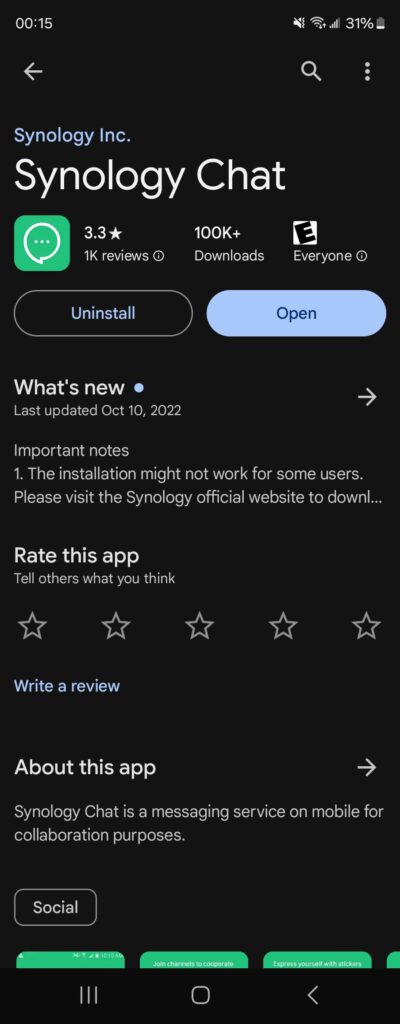
Select the Synology Chat App on your Device

Enter the following information
In the first line enter: npccloud.org:20001 for the hostname
The next two lines will be your provided username and password
